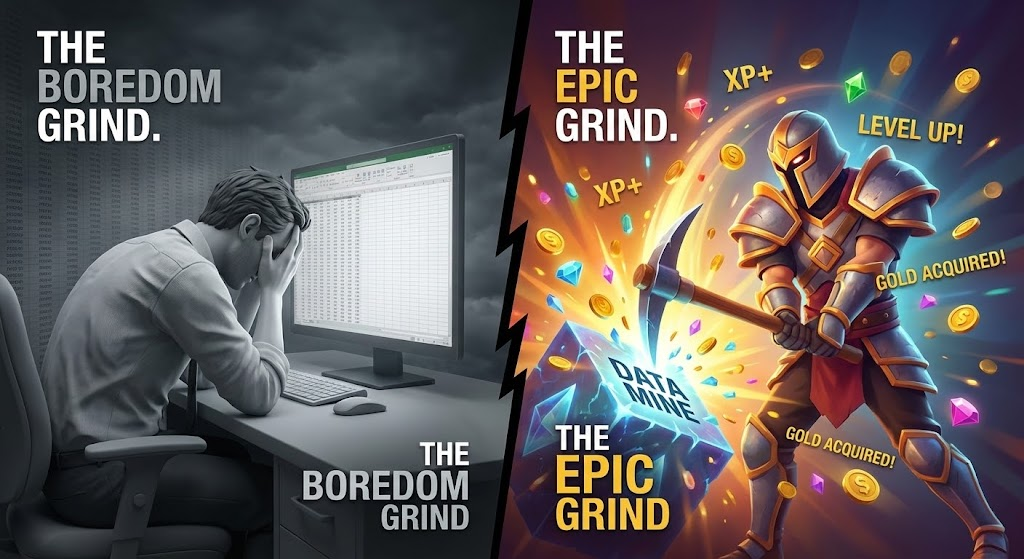
The blinking cursor in an empty spreadsheet cell.
It is the modern equivalent of Sisyphus pushing the boulder up the hill.
Whether it is logging maintenance records, inputting quality control specs from a clipboard, or transferring safety observations into the ERP system, data entry is soul-crushing.
It is boring. It is repetitive. It feels meaningless.
Because it is boring, people procrastinate. They batch-enter a week’s worth of data on Friday afternoon (guaranteeing errors). Or they just don’t do it at all.
Yet, the exact same people who hate entering data at work will go home and spend four hours playing a video game where they do the exact same thing. They will mine virtual rocks, chop virtual wood, or fight the same low-level monsters over and over again.
Gamers call this “The Grind.” And they love it. They choose to do it. They are addicted to it.
Why is one form of repetition torture, while the other is fun? And how can we steal the psychology of “The Grind” to fix our corporate data problem?
The Psychology of the Grind
The difference between data entry and video game grinding is not the action; it is the Feedback Loop.
When you enter data into a corporate system, what happens? Nothing. The box just clears, waiting for the next entry. It is a black hole of effort.
When you mine a rock in Minecraft, what happens? Not only do you get the stone, but a satisfying “pop” sound plays, a little experience orb floats toward you, and a progress bar toward your next level ticks up slightly.
Video games turn monotonous tasks into addictive loops by leveraging Octalysis Core Drive 2: Development & Accomplishment and Core Drive 7: Unpredictability.
Here is how to bring “The Grind” to your shop floor data.
1. The Progress Bar (Filling the Void)
Humans have a psychological need for completion. We hate open loops.
If you give someone a form with 50 fields, it looks like a mountain.
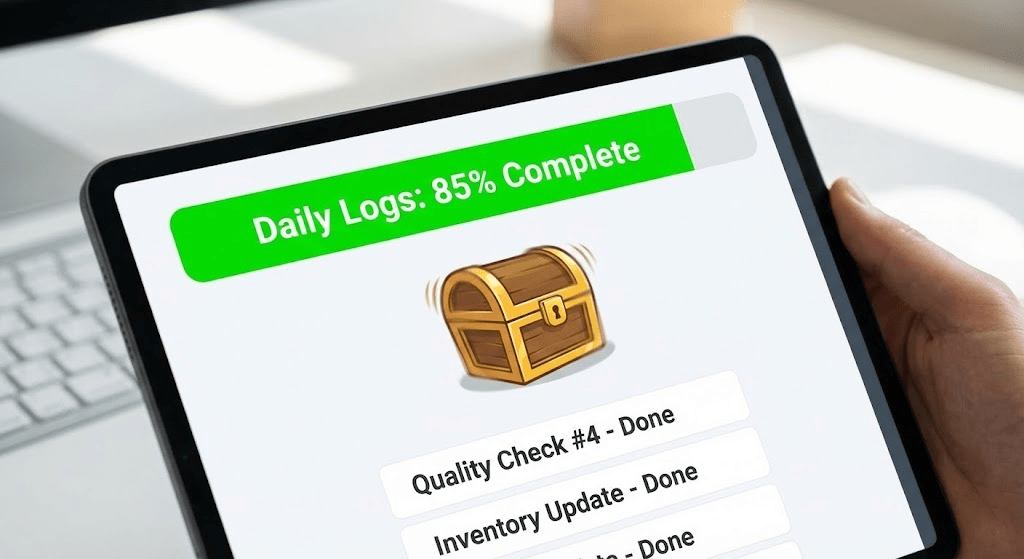
If you put a progress bar at the top that starts at 0% and ticks up with every entry, it becomes a challenge.
The Hack: Stop presenting endless rows. Present a mission.
- “Daily Mission: Clear 20 Quality Logs.”
- Show a dynamic bar: [||||||||||——] 65% Complete.
When the user hits 100%, give them a satisfying digital “Ka-Ching” and a “Mission Complete” screen. The brain craves that moment of closure.
2. The Streak (Don’t Break the Chain)
Jerry Seinfeld famously used a calendar to motivate himself to write jokes every day. He would put a red X over the day when he wrote. Soon, his only goal was: “Don’t break the chain.”
Duolingo uses this to make people learn languages every single day. It works because of Core Drive 8: Loss & Avoidance. The longer the streak, the more terrified you are of losing it.
The Hack: Track daily data entry streaks.
Give employees a “Flame icon” next to their name on the dashboard if they have logged their required data for 5 days in a row.
When they see that flame threaten to go out, they will log in at 11:55 PM just to save it.
3. The “Loot Drop” (Variable Rewards)
If you give someone a penny every time they push a button, they will get bored eventually.
But if you give them a chance to win $10 every time they push a button, they will push it forever. This is how slot machines work (Core Drive 7: Unpredictability).
The Hack: Don’t reward every data entry.
Reward randomly.
Tell your team: “Every accurate safety log submitted into the system has a 1% chance of dropping a ‘Loot Box’ (a $5 coffee card).”
Suddenly, data entry isn’t a chore; it’s pulling the lever on a slot machine. The anticipation of “Will I get the loot drop this time?” makes the boring task exciting.
Conclusion: Data is Gold
We treat data entry like taking out the trash. But accurate data is the gold of modern business. It’s how we predict failures, improve quality, and stay safe.
We need to stop expecting humans to act like robots. We need to design our systems for human brains—brains that crave progress, fear loss, and love a surprise.
Stop making them type into a void. Let them grind for gold.
Next Step:
Open the spreadsheet or software your team uses most for data entry.
Can you add a simple cell at the top that calculates “Percentage Complete” for the day?
Just adding that one visual indicator of progress can increase completion rates immediately. Try it.
The information in this article was partially generated by Google’s Gemini, an AI language model, and has been reviewed/edited for accuracy and relevance.



 Wee Write
Leave a comment